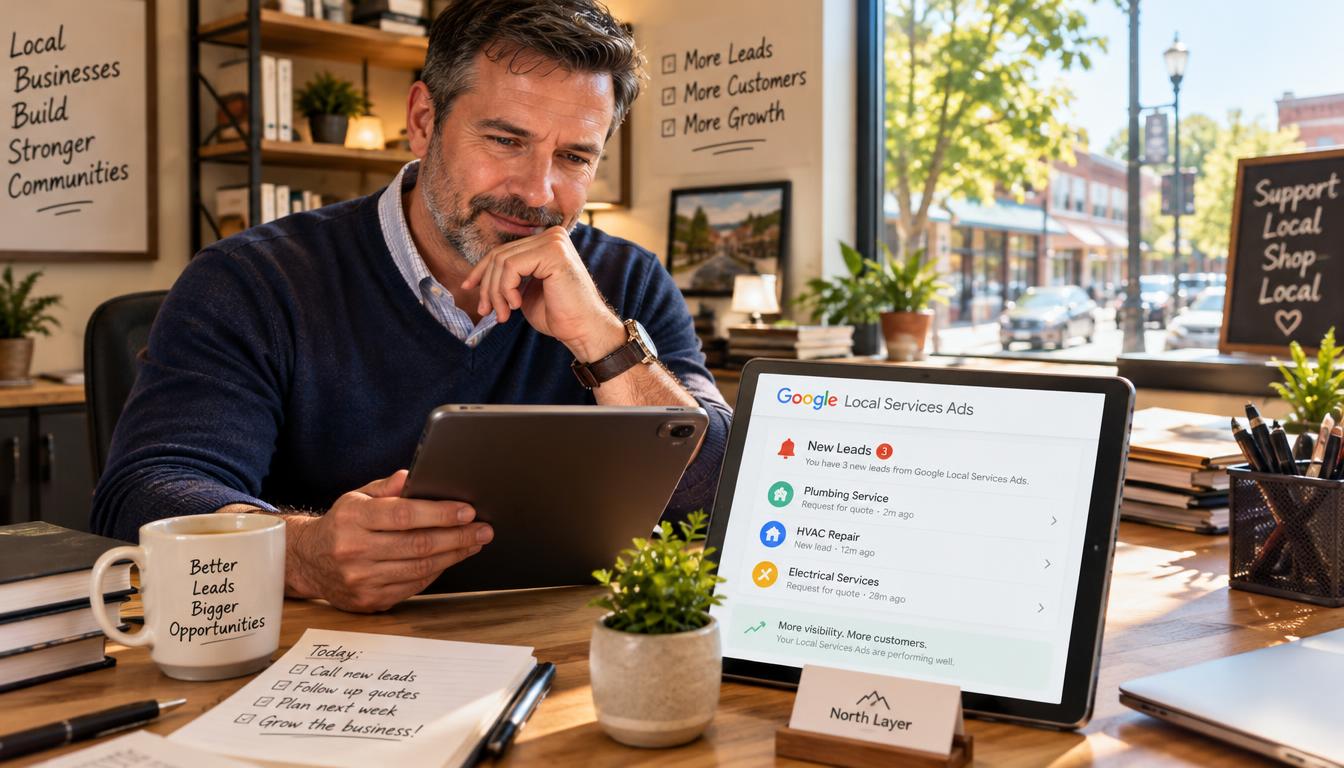
Google Local Services Ads can be worthwhile for some local service businesses, but they are not automatically profitable. A lead may arrive while an owner is helping a customer, and a missed call can waste the chance to book work.
The decision depends on qualified local leads, booked work, and whether the business can follow up promptly. Cost per lead (CPL) is the amount spent on advertising divided by the number of leads generated.
Pay-per-lead billing can reduce the risk of paying for unconverted clicks, but a paid lead does not guarantee a sale. The business still needs to serve the customer and earn enough from completed work to cover customer acquisition costs.
This guide offers a practical way to judge fit, costs, and marketing ROI. First, it helps to know what customers see when an LSA appears.
Key Takeaways
- Eligibility depends on service category and location.
- LSAs charge for leads, not guaranteed bookings.
- Fast follow-up can affect the value of an inquiry.
- Compare lead costs with profit from booked work.
- Test with a budget the business can afford to lose.
What Are Google Local Services Ads?
A Local Services Ad is a paid placement for an eligible local provider, shown when nearby customers search for related services. It can put a business in view before a customer reaches regular search results.
Customers can review business details and contact the provider directly through the ad. Google’s official overview of Local Services Ads describes calls, messages, and some booking options.
An LSA can start a conversation, but a contact is not a booked job.
What customers see in an LSA
The ad may show the business name, customer rating, service area, and ways to get in touch. Reviews help a customer compare providers before choosing one.
Local services ads appear at the top of relevant Google Search results and can also appear on Google Maps. The layout can vary by device and search.
How a lead reaches the business
A customer can call or message through the ad. In some cases, the customer can request a booking through the same path.
The business receives an inquiry and then decides whether it fits the work offered. A call, message, or booking request does not prove that the customer will schedule or pay.
The format is sometimes described as a Google local services ads LSA placement. Availability depends on the business category and service location, which makes eligibility the next question.
Which Businesses and Locations Qualify?
Both the service category and service location determine whether a business can use LSAs. A familiar trade is not enough, because supported services vary across markets.
Eligibility is limited to supported categories and locations. A local business should check its exact service area before planning around leads from this channel.
Service categories depend on location
Local Services Ads can cover home and professional services, but the list changes by place. Examples of categories include:
- Home services: plumbers and electricians.
- Home services: HVAC providers and cleaners.
- Professional services: lawyers.
- Professional services: real estate professionals.
- Professional services: other supported providers in a given market.
Real estate businesses may qualify in the United States but not Canada. Law firms may qualify in the United States but not the United Kingdom.
Those examples show why general category lists can mislead. Exact Local service Ads categories depend on both the service type and the country or region.
Screening and verification requirements
Google may screen a business, its owners, or its workers before approval. Checks can include background reviews, business registration, insurance, and professional licenses.
Requirements vary, so not every business submits the same documents. A familiar service category does not guarantee eligibility in every market, and missing paperwork can delay approval.
Owners can use the Google local services eligibility check to confirm whether their category and location appear in the account. After confirming eligibility, the next decision is how this paid search format compares with other ads.
How Do Local Services Ads Compare With Google Search Ads?
Local Services Ads charge for a lead, while Google Search ads usually charge for a click. That billing difference changes what an owner measures after a campaign starts.
LSAs focus on direct contact, while Search ads can send people to a website or another campaign action. The formats can run together, but each needs its own budget and results check.
Placement and payment work differently
| Feature | Local Services Ads | Google Search ads |
|---|---|---|
| Placement | Top of relevant local results | Paid search positions that can vary |
| Billing | Pay per lead | Pay per click |
| Targeting | Service and location details | Keyword targeting |
| Ad creation | Profile-based ad details | Greater ad customization |
| Main customer action | Direct contact | Website visit or other campaign action |
In an LSA, the submitted profile details shape the ad. A Search campaign gives the advertiser more control over ad text, keywords, and the page a customer visits.
Control and campaign roles
LSAs can help customers contact a local provider without first opening its website. Google Search ads can support a wider offer, such as a service page or seasonal promotion.
Owners can test both, then compare lead quality, booked jobs, and revenue separately. A useful small business guide to Local Service Ads also stresses tracking conversions and cost per lead.
Neither format is automatically better for every business. The right choice depends on lead quality and business economics, which leads to the worth-it question.
Are Local Services Ads Worth It for Your Business?
A phone rings while an owner is finishing a job, and nobody answers. That missed moment can decide whether an LSA lead becomes a real opportunity.
LSAs can fit a business that answers promptly, serves the advertised area, and earns enough from booked work to cover lead costs. Prominent placement and direct contact can help, but an inquiry is not yet a qualified prospect or a sale.
When the lead model can fit
The model may suit a business with room in its schedule and enough profit per job. The owner should know how often leads become customers, not just how many inquiries arrive.
For example, a contractor with strong margins may afford several inquiries before one job books. A low-margin service may need a much higher close rate to earn back the same lead cost.
Google Ads can still be worth testing in 2026 when results are measured against booked revenue and an allowable customer acquisition cost. There is no single outcome that applies to every industry or market.
When another channel may be safer
A limited schedule can make more inquiries a problem, not a benefit. Weak follow-up, low job value, or poor lead fit can also make an early test risky.
A business should estimate the most it can spend to win one customer. Then it can compare that limit with the share of leads that book and the profit from each completed job.
The pay-per-lead model can make ad costs easier to tie to inquiries, but sales still take work. Before setting a test, owners need to understand how much each lead may cost.
How Much Do Local Services Ads Cost?
Illustrative lead costs can range from $25-$40 for beauty services to $80-$100 for legal services. Those are examples, not standard prices for every market.
Lead prices vary by service type, location, and competition. A business sets a weekly budget, then checks whether its cost per lead fits the profit and close rate of booked work.
What determines the lead charge
Phone calls and messages can have different charges. Messages cost roughly half as much as phone-call leads, while no separate booking-request price is specified here.
| Contact type | Customer action | Cost detail |
|---|---|---|
| Phone call | Calls the business through the ad | Lead charge varies by service and location |
| Message | Sends a message to the business | Roughly half the cost of a phone lead |
| Booking request | Requests a service booking | No separate price specified |
The charge can reflect demand and local competition, so nearby businesses may see different costs. A high lead price can still work if the job value and close rate support it.
Setting a workable budget
Weekly budgets give businesses a way to limit expected spend while testing demand. The budget should reflect likely local lead prices, available staff time, and the number of jobs the team can complete.
Track cost per lead alongside booked revenue and completed-job profit. A low CPL is not useful if the contacts rarely fit the service or never book.
Invalid leads can be disputed through the Local Services inbox. Cost alone cannot show whether the offer works, so owners should also understand the trust signals customers may see.
What Do Google’s Verification Badges Mean?
Google consolidated earlier LSA badge variations under the Google Verified badge on October 20, 2025. The label matters, because older terms may describe benefits that do not apply to a current ad.
Owners should confirm the badge and current terms shown in their account. A past label is not a reason to promise customers a benefit that may have changed.
The Google Verified badge
Google Verified is the current verification label for eligible Local Services Ads. It replaced earlier badge variations as Google changed how it presents screening status.
| Label | What it indicated | Important qualification |
|---|---|---|
| Google Verified | Current LSA verification label | Check the account for current terms |
| Google Guarantee | Earlier eligible-service reimbursement program | Terms and Google’s discretion applied |
| Google Screened | Checks for selected licensed professionals | Used in selected categories and markets |
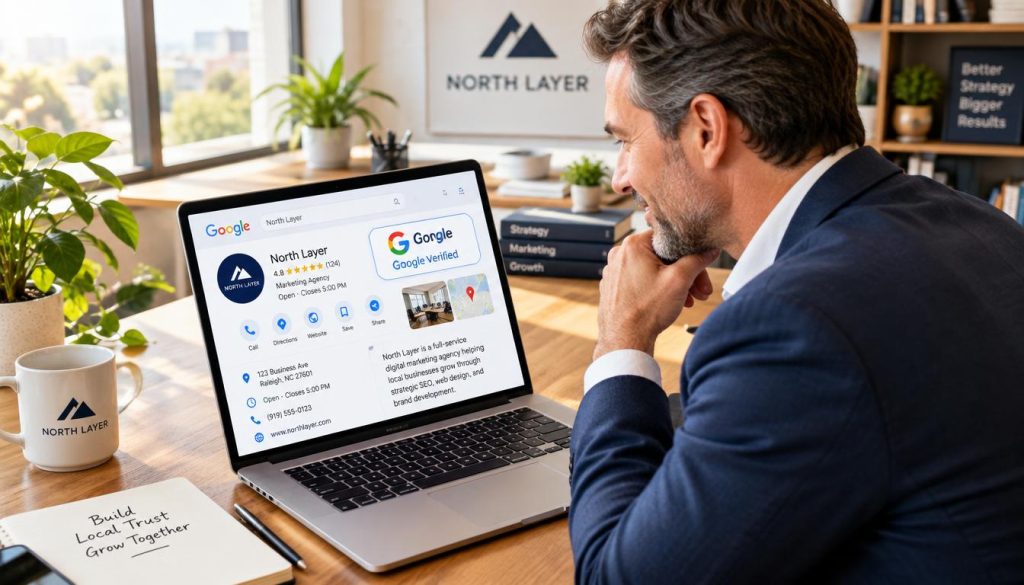
Earlier Guarantee and Screened labels
Older Google Guarantee terms included reimbursement of up to $2,000 in the United States for eligible services booked through an LSA. The benefit depended on Google’s terms and discretion.
Google Screened has been used for certain licensed services, including law, financial planning, real estate, and child care or preschool in select US markets. It related to checks for those professional categories.
Those older labels should not be treated as current coverage. Owners can check the badge and terms displayed in their account before describing them to customers; next comes account setup.
How to Set Up Local Services Ads
Setup starts with a Google Ads account and an eligibility check for the business category and location. Those come first, before an owner spends time on documents or campaign settings.
An approved account does not launch ads automatically. The owner reviews the profile, sets the budget, waits for screening, and then activates the ad.
Prepare the business details
The business profile needs accurate service types and service areas. Google generates ad details from the submitted profile, so the information should match the work the business wants.
The ad preview is not a free-form editing screen. To correct details in the ad, an owner generally updates the profile information that supplies them.
Complete account setup and approval
Use these six steps to get started:
- Sign in to or create a Google Ads account.
- Check category and location eligibility.
- Complete business, service, and service-area details.
- Link or create a Google Business Profile, then provide requested documents.
- Review the generated ad, set the budget, and add billing details.
- Wait for screening approval, then activate the ad manually.
A linked Google Business Profile is required for verification. The account may request documents based on the business and market, so every owner should not expect the same checks.
Screening and approval can take a few days to weeks. Search terms like Google Local service Ads login or Google Service Ads login may lead owners to account access, but the account tools can change.
Approval is only the start of the work. Once the ad is active, someone needs to own daily lead and account management.
How to Manage Leads and Your Dashboard
A new inquiry can disappear when nobody owns the follow-up. One clear owner helps keep a promising lead from sitting unanswered in the account.
The dashboard organizes leads by status, including new, active, booked, and completed. Businesses can respond, decline requests, and update a lead’s status as the customer moves forward.
Review and respond to incoming leads
The Local Services dashboard shows lead activity and status. The Local Services app is available on Android and iOS, which can help owners check inquiries while away from a desk.
Messaging is available in the United States and Canada, but not every contact method is available in every location. The business should use the options shown in its account.
Track reviews and campaign activity
A simple routine keeps the account useful:
- Check for new leads each workday.
- Contact suitable prospects promptly.
- Update a lead when it becomes active or booked.
- Review campaign results and booked-job reports.
- Request customer reviews and respond through the Google Business Profile.
Reviews are managed through the Google Business Profile, not the Local Services dashboard. Keeping those tasks distinct helps owners track customer feedback without losing sight of lead progress.
Consistent follow-up and accurate records show whether the inquiries turn into work. The next question is how to improve lead quality and visibility.
What Improves LSA Lead Quality and Visibility?
Only a small number of LSAs may appear at one time: up to three on desktop and two on mobile. That limited space means visibility can change from one search to another.
Bid amount, proximity, responsiveness, review rating, and review volume can affect visibility. None of these factors guarantees a specific position or a qualified lead.
Owners can start with four profile checks:
- List every relevant service the business offers.
- Confirm service areas and business hours.
- Use clear, current photos of the team or completed work.
- Compare lead relevance with bids, proximity, response time, and reviews.
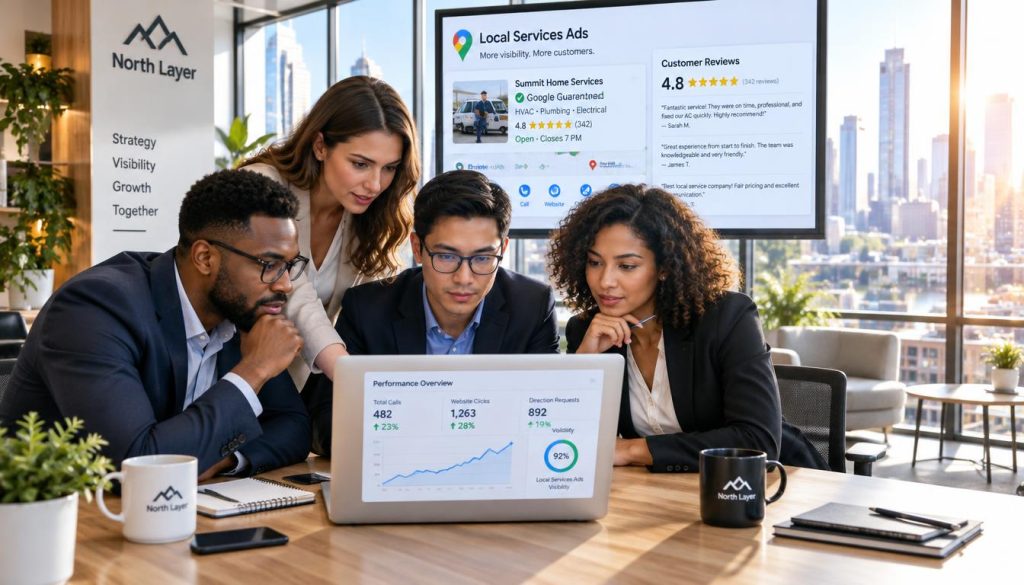
Accurate services and hours can prevent mismatched inquiries. Current photos also help customers understand who may arrive and what kind of work the business does.
Review the leads themselves, not only the number of impressions or calls. A rise in visibility is useful only when the resulting contacts fit the services and service area.
Keep review rating and volume in view, but avoid treating them as a promise of placement. Even a well-maintained profile may need a pause if its leads stop fitting the business.
How Do You Pause or Turn Off Local Services Ads?
Pausing the ad through its account controls stops it from showing while paused. The pause is reversible, unlike deleting or closing an account.
Use the Local Services account name, choose Edit profile, then switch off the ad status. Account menus can change, so the exact route may vary.
Turning off ad status pauses delivery; it does not mean the account has been deleted or closed.
Pause ads from the account profile
Open the Local Services account and select the business name. Choose Edit profile and turn off the ad status to stop delivery.
Before taking an irreversible step, check the current controls and account terms. Pausing delivery differs from deleting or closing an account, and those actions may have different effects.
Check status and get account help
After changing the status, review the account to confirm that ads no longer show as active. The exact wording and route may vary as Google changes its account tools.
Owners searching for a Google Local Ads phone number should use the Help or support options visible inside their account. No single phone number is listed here for every account or location.
When lead fit or capacity changes, pausing can prevent more unsuitable inquiries while the owner reviews results. A simple cost and booked-work check can then guide whether to restart the test.
Conclusion
LSAs deserve budget only when they help create profitable booked work, not merely a high lead count. Pay-per-lead billing reduces the risk of paying for unconverted clicks, but it does not guarantee a booking.
Profit depends on lead quality, follow-up, and the value of completed jobs. A quick response cannot fix a poor fit, and a strong lead cannot earn revenue if the schedule is full.
Start by checking eligibility and estimating the maximum affordable CPL from job profit and the share of leads that become customers. Make that check before setting a test budget.