

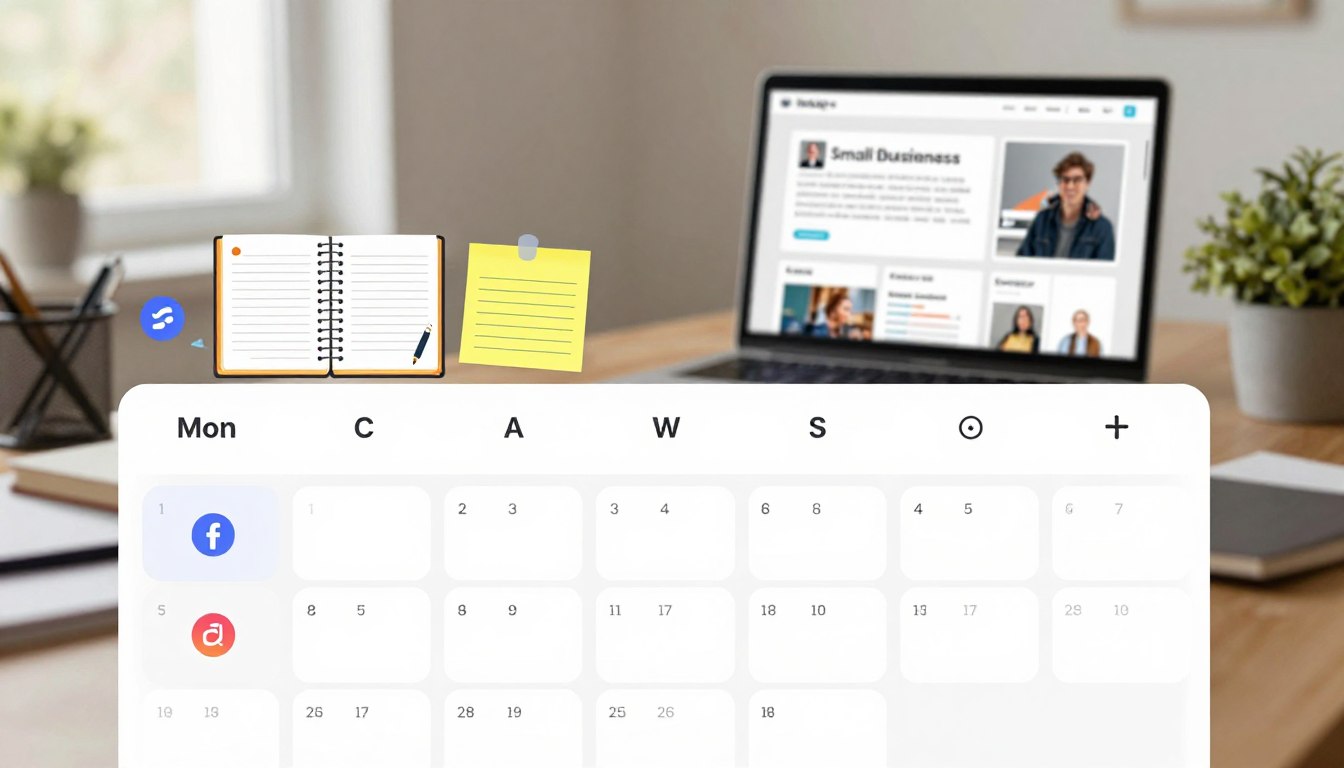
Many business owners feel stuck by the need to post online every day. They think daily posts are the only way to grow. But, consistency doesn’t mean you have to be exhausted. A good social media content calendar helps you manage your marketing work better and keep your messages clear.
Just because you post more, it doesn’t mean you’ll get better results. If your posts don’t attract the right customers or build trust, you’re wasting time. We think planning carefully is the key to better results and a healthier business.
By picking the right platforms and sharing useful info, you can avoid chasing trends. This saves your time, letting you focus on your business instead of your social media. You don’t need a big team to make progress. A simple, smart plan keeps you seen without the daily stress.
Key Takeaways
- Prioritize quality and purpose over the frequency of your posts.
- Use a structured plan to reduce marketing overwhelm and save time.
- Focus on attracting your ideal customers instead of chasing viral trends.
- Build trust through consistent, helpful messaging that supports your goals.
- Protect your business operations by streamlining your digital strategy.
What is a Social Media Content Calendar?
A social media content calendar is like your main hub for digital talks. It’s where you plan your posts, pick your platforms, and decide on formats for the future.
This tool turns your marketing into a planned, intentional effort. It acts as a daily guide for your team, keeping everyone on the same page. It also makes sure your messages hit home with your audience.
Definition and Importance
This calendar is a dynamic document that tracks your posts and the assets that go with them. It’s not just about scheduling; it’s about clarity. Seeing your month at a glance helps you make sure your content meets real customer needs, not just to fill space.
Using a social media strategy planner lets you see the bigger picture. It helps you focus on quality over quantity. This way, every post has a clear purpose, not just to fill space.
Benefits for Small Businesses
For small business owners, time is precious. A good social media content calendar saves you time by avoiding last-minute scrambles. You can run your business while your marketing runs smoothly.
Here are the main benefits of using a structured planning tool:
- Fewer rushed decisions: You avoid the stress of making content on the fly.
- Clearer campaign planning: You can match your posts with sales or product launches.
- Consistent publishing: Your audience knows when to expect updates, building trust.
- Better resource management: You can do your work in batches, saving time each week.
In short, this tool is about efficiency. By planning ahead, you make sure your limited resources are used for growth and engagement.
Key Elements of a Successful Content Calendar
A good social media editorial calendar is key to your digital marketing. It organizes your ideas clearly, making your daily tasks easier. This way, your brand stays in the spotlight without stressing you out.
Types of Content to Include
Yoursocial media content calendarshould mix different types of posts. Using only one type can bore your audience and lower engagement. Try mixing these five main types:
- Educational: Tips, tutorials, or insights that solve problems.
- Promotional: Offers, sales, or new product launches to boost sales.
- Trust-Building: Behind-the-scenes, team stories, or client testimonials.
- Engagement: Polls, questions, or interactive content to start conversations.
- Showcase: High-quality images or videos of your best work.
Frequency of Posting
When starting, focus on being consistent, not posting a lot. Pick a schedule that your team can handle. It’s better to post quality content a few times a week than to rush out daily posts.
Think about your audience’s habits and the needs of each platform. If you’re short on time, focus on where your customers are most active. You can always increase your posting later when your workflow improves.
Visual Layout Considerations
The bestcontent calendar templatesgive you a clear view of your strategy. A monthly layout helps spot gaps and balance content types. Use colors for platforms or post types to see your plan at a glance.
Your calendar should have key fields to keep your team on the same page. These elements make sure every post is on purpose and reaches the right people at the right time.
| Field Name | Purpose | Why It Matters |
|---|---|---|
| Date & Time | Scheduling | Ensures consistent presence. |
| Platform | Channel focus | Tailors content to the audience. |
| Caption Hook | Engagement | Grabs attention immediately. |
| Status | Workflow | Tracks progress from draft to live. |
Tools for Creating a Content Calendar
Technology is key for a good content calendar. But, not every business needs the same tech. The right tool depends on your goals, team size, and platforms managed. Selecting the right tool can save you a lot of time each week.
Recommended Software Options
Social media scheduling tools are great for small businesses. Tools like Buffer or Hootsuite let you schedule posts on many channels at once. They also have analytics to see what works best with your audience.
If you like a visual approach, try content planning software like Trello or Asana. These tools help move content ideas through production stages. They’re good for teams working on creative projects and videos.
Using Spreadsheets vs. Dedicated Tools
Many start with content calendar templates in Excel or Google Sheets. These are flexible and free, perfect for solo entrepreneurs or small teams. But, they don’t have the automated features of more advanced tools.
As your business grows, manual entry can slow you down. Dedicated platforms offer a central place for captions, images, and approvals. The right tool matches your current needs, not just the most features.
| Tool Type | Best For | Key Advantage | Cost Level |
|---|---|---|---|
| Spreadsheets | Solo Founders | High Flexibility | Free |
| PDF Templates | Simple Planning | Easy to Print | Low |
| Scheduling Apps | Growing Teams | Automation | Moderate |
| Planning Software | Complex Projects | Collaboration | High |
Strategies for Planning Content
Your social media marketing calendar is like a roadmap for your business. It guides you to specific goals, not just for activity’s sake. Every post should aim to achieve something real and measurable.

Setting Goals and Objectives
First, decide what you want from your social media. Goals might include getting more leads, boosting website visits, or increasing sales. You could also focus on keeping current customers happy with regular updates.
With clear goals, your social media strategy planner becomes a key to growth. Each post should help reach one of these main goals. If it doesn’t, it might be wasting your time.
Audience Research and Engagement
Understanding your customers is key to good planning. Use your social media marketing calendar to meet their needs and answer their questions. Look at direct messages, comments, and sales talks to learn what they’re interested in.
Find out what topics your audience likes by checking search trends and reviews. This helps you pick the right content and places to share it. Prioritize value by addressing what your customers are already asking.
Also, match your content with important seasonal moments for your business. Stay away from trends that don’t fit your brand. A disciplined approach to seasonal planning keeps your message strong all year.
Creating a Consistent Brand Voice
A consistent brand voice makes your business stand out online. When people see your content, they should feel like they’re coming home. This builds long-term trust and makes your brand reliable in a busy digital world.
Importance of Authenticity
Being authentic means being genuine in every interaction. Set some rules for how you talk to people. These rules help you stay true to your mission, whether you’re clear, useful, direct, warm, or confident.
Following these rules in your captions and visuals helps your audience understand your values. This consistency builds a stronger bond with your followers. It’s more than just buying and selling.
Tailoring Messages for Different Platforms
Even though your brand voice should stay the same, you don’t have to use the same words everywhere. A social media editorial calendar helps you tailor your messages for each platform. For example, Instagram might get a casual post, while LinkedIn gets a detailed tip.
Use your social media editorial calendar to keep track of these changes. A poll might be short and to the point, while a customer testimonial is more reflective. By adjusting your message, you connect with different audience segments in a meaningful way.
Best Practices for Scheduling Posts
Strategic scheduling makes your social media presence better. It turns a chaotic task into a valuable asset. Timing your posts can help, but useful content and timely engagement are more important. Your goal is to find the best rhythm for your audience.
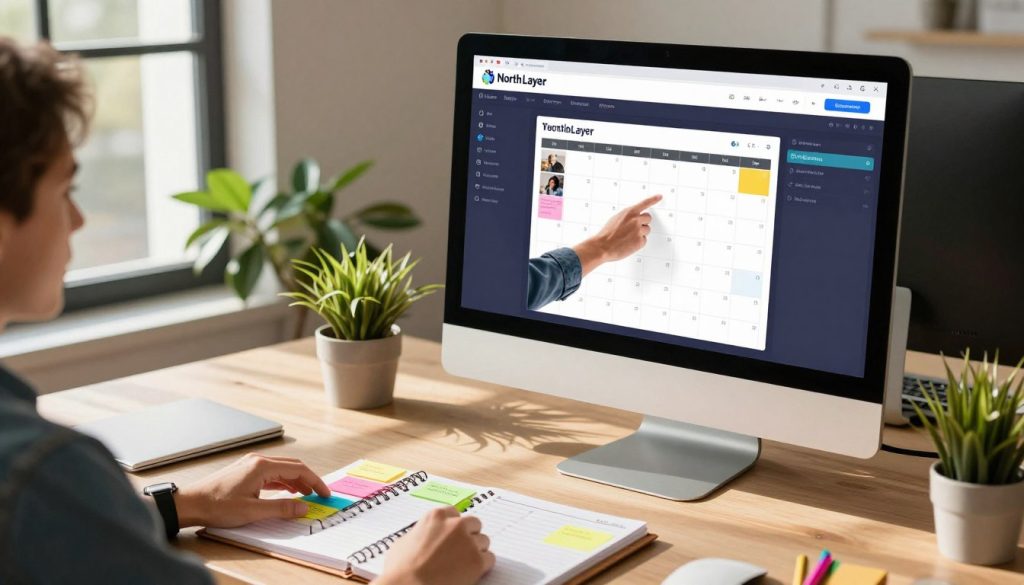
Timing Your Posts for Maximum Reach
Start by looking at your audience analytics. Find patterns in your past performance. This will show you when your followers are most active.
Think about your customers’ daily routines. Post when they are most likely to see and interact with your updates. For example, a coffee shop might post early, while a B2B service might post during mid-week.
Be flexible with your plan. If something urgent happens or a customer asks a question, you need to be ready to adjust. Real-time interaction can build more trust than a scheduled post.
Utilizing Automation Tools
Social media scheduling tools help you schedule posts in advance. This saves time and lets you focus on other important tasks. You can batch your work and protect your time.
Many content scheduling apps have easy-to-use dashboards. They let you see your week or month at a glance. This keeps your brand voice consistent without needing to watch your screen all the time.
The table below shows how different scheduling methods affect your daily work:
| Approach | Time Investment | Flexibility | Consistency |
|---|---|---|---|
| Manual Posting | High | High | Low |
| Batch Scheduling | Low | Moderate | High |
| Hybrid Strategy | Moderate | High | High |
We suggest a hybrid strategy. Schedule your main content but keep room for spontaneous updates. This keeps your presence professional while staying connected with your community.
How to Generate Savvy Content Ideas
Creating smart content ideas is simpler when you see things from your customers’ point of view. Instead of facing a blank page, start by jotting down the questions you answer daily. These questions are the base of a top-notch social media marketing calendar.
Content Idea Brainstorming Techniques
Start brainstorming by finding common problems. Think about the mistakes clients make or the advice you often give. You can also show off your skills through demos or behind-the-scenes looks at solving tough problems.
To make these ideas work, use a simple formula: Hook, Value, and Call-to-Action. Begin with something that grabs attention, then offer value or education. End with a clear call-to-action. This method keeps your social media marketing calendar focused on results, not just filling space.
After picking a strong topic, you can use it in many ways. A single case study can turn into a video, a carousel, an email, or a story. This method saves time and keeps your message consistent everywhere.
Leveraging User-Generated Content
Your customers are great at creating content for you. Things like reviews, photos, and testimonials are powerful. When someone tags your business, it’s like a big thumbs-up for your brand.
Always be open when using this content. Ask the person who posted it for permission and give them credit in your caption. Using real moments in your social media marketing calendar helps connect with your audience and makes creating content easier.
Analyzing Your Social Media Performance
You can turn your social media marketing calendar into a powerful tool by tracking the right data. Many businesses get caught up in activity that doesn’t really grow their business. To see real results, focus on metrics that show how your content helps customers take action.
Key Performance Indicators to Track
First, find the indicators that match your business goals. While reach is good for brand awareness, meaningful engagement like saves and shares show higher intent. These actions mean your audience finds your content valuable enough to revisit or share with others.
Watch profile visits and link clicks to see if your posts lead people to your website. You should also track qualified leads, conversion rates, and total revenue. These figures show if your strategy is giving you a tangible return on investment.
Adjusting Your Calendar Based on Data
Reviewing your performance means looking at long-term trends. We suggest analyzing six-month data, individual post results, and platform comparisons before making big changes. This way, you avoid making decisions based on a single viral post or a short-term drop in traffic.
Use your social media marketing calendar to record these findings. By noting which topics, formats, and posting frequencies work best, you can improve your strategy with confidence. This data-driven approach keeps your content relevant, effective, and in line with your business goals.
Collaborating with Your Team
Working together makes your content schedule run smoothly. When many people help with your social media, you get different views and work faster. But, you need a clear plan and someone to keep track of everything to avoid mistakes.
Assigning Roles and Responsibilities
Small teams do well when everyone knows their role. You should decide who does what, like research, writing, design, and final checks. This way, you avoid confusion and missed deadlines.
Write down each person’s job and when it’s due in your calendar. This makes sure everyone knows their part and keeps the work flowing smoothly.
Effective Communication Methods
Having one place for all information keeps your team on the same page. Many teams use content planning software to keep everything in one spot. This stops important feedback from getting lost in emails or chats.
Also, have regular meetings to talk about upcoming posts and any problems. Using content scheduling apps helps manage who can post and makes sure everything is checked before it goes live. This keeps your brand’s voice consistent and professional everywhere.
Managing and Updating Your Content Calendar
A social media content calendar is your guide, not a strict rulebook. It helps you plan but also stay flexible for digital changes.
Think of your calendar as a living guide. This way, your brand stays fresh and relevant without feeling stuck.
Keeping Your Calendar Flexible
Sticking to a plan too tightly can miss out on new chances. Make sure your social media editorial calendar has room for surprises.
Flexibility lets you answer customer questions or jump on trending topics. This keeps your brand feeling alive and connected to your audience.
Regularly Reviewing Performance
Even the best content calendar templates need regular checks. A monthly review helps spot what’s working and what’s not.
Look for posts that don’t get much attention or engagement. If a post isn’t doing well, it’s okay to cut it from your plans.
Updating your strategy with real data keeps your messages strong. Here’s a table to show how different planning styles affect your work:
| Planning Style | Flexibility Level | Primary Benefit | Risk Factor |
|---|---|---|---|
| Static Planning | Low | Predictability | Missed trends |
| Agile Planning | High | High engagement | Potential for drift |
| Balanced Approach | Moderate | Consistent growth | Requires oversight |
Using content calendar templates helps you see where your story is missing pieces. A well-kept social media content calendar leads to focused, effective posting.
Conclusion: Embracing the Benefits of a Content Calendar
Creating a lasting online presence means moving from just posting. A well-planned social media content calendar gives you the clarity to turn random ideas into steady growth. It helps you organize your posts, saving time and focusing on connecting with your audience.
Building Long-Term Strategy
Your social media strategy planner is like a map for your brand. It helps you pick the most important messages and keeps your brand voice consistent everywhere. You’ll move from guessing what works to seeing real results like more inquiries and sales.
Taking the First Step
Small businesses often find it hard to manage many platforms at once. Start with one platform and a simple 30-day plan to test your messages. Tools like Buffer or Trello offer a seven-day trial without needing a credit card and can be set up in just five minutes.
After your first month, check your reach and engagement to improve your strategy. A monthly content plan prevents burnout and keeps your marketing in line with your goals. Start today and see how a regular schedule changes your online presence.



